
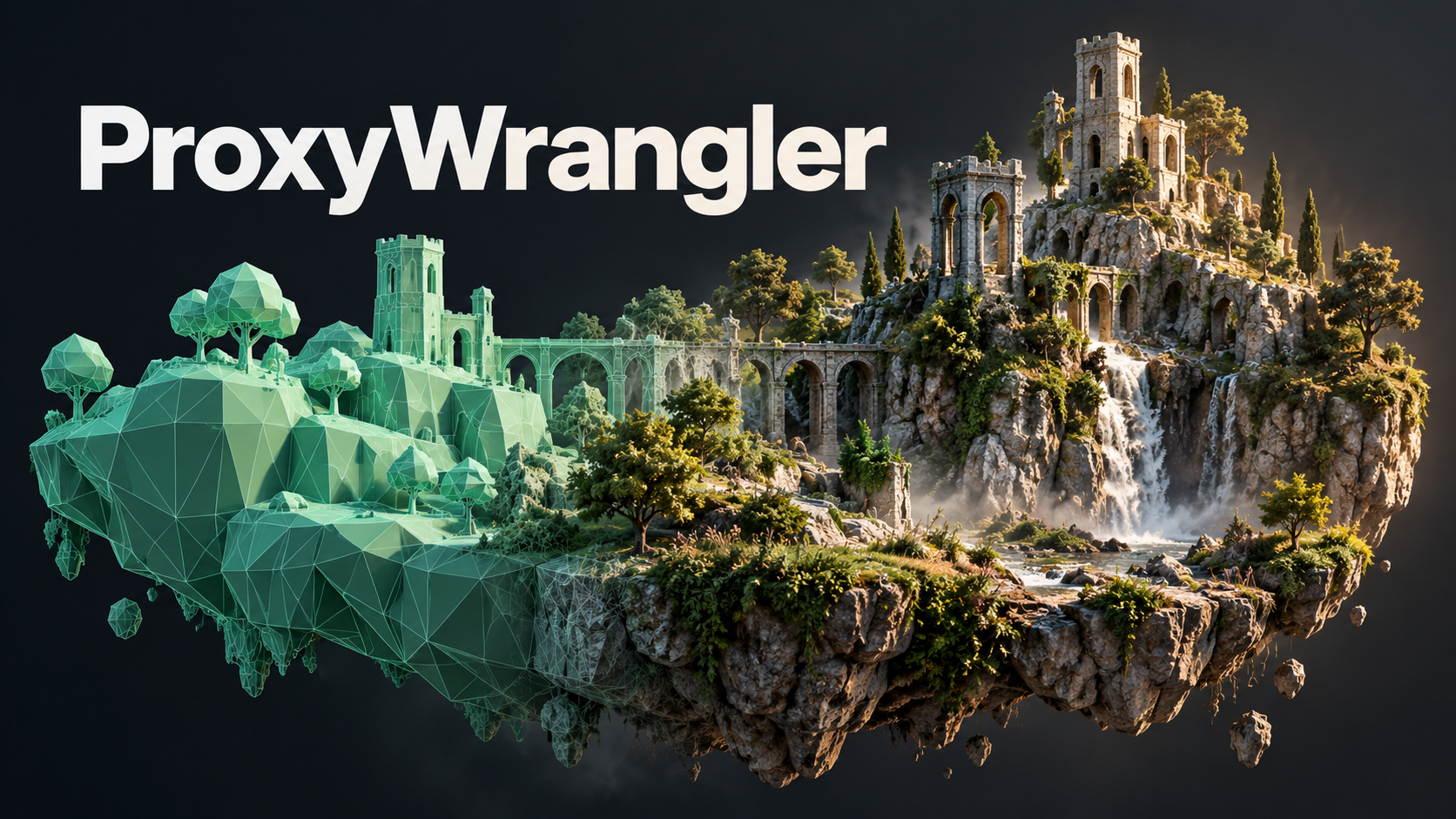
ProxyWrangler is a Blender extension for arranging heavy scene assets through lightweight silhouette proxies. Generate stand-ins, dress the environment and render production geometry at the proxy placements. Quality presets, shared mesh data and render preflight keep the workflow practical for dense layouts and linked asset libraries.
Compose with silhouettes, render with detail
- 01
Simplify dense assets
Generate baked, material-free mesh stand-ins from mesh objects and collection instances. Choose a custom retention ratio or a quality preset to keep the shape detail your layout needs.
- 02
Keep the placement
Move, rotate and scale proxies with Blender’s normal controls. Regenerate their geometry without losing names, placements or production references.
- 03
Check before rendering
Render preflight detects missing targets, duplicate mappings, unavailable libraries and incompatible current-frame transforms before a checked render begins.
- 04
Return to the layout
Production geometry renders at proxy placements. Completion or cancellation restores the prior production transforms and render visibility, leaving proxies available for continued scene dressing.
Built around environment layout
Dense environment assets can make scene dressing cumbersome before the final composition is settled. ProxyWrangler separates placement work from production geometry: generate simplified stand-ins, compose the scene, then use the full assets for rendering.
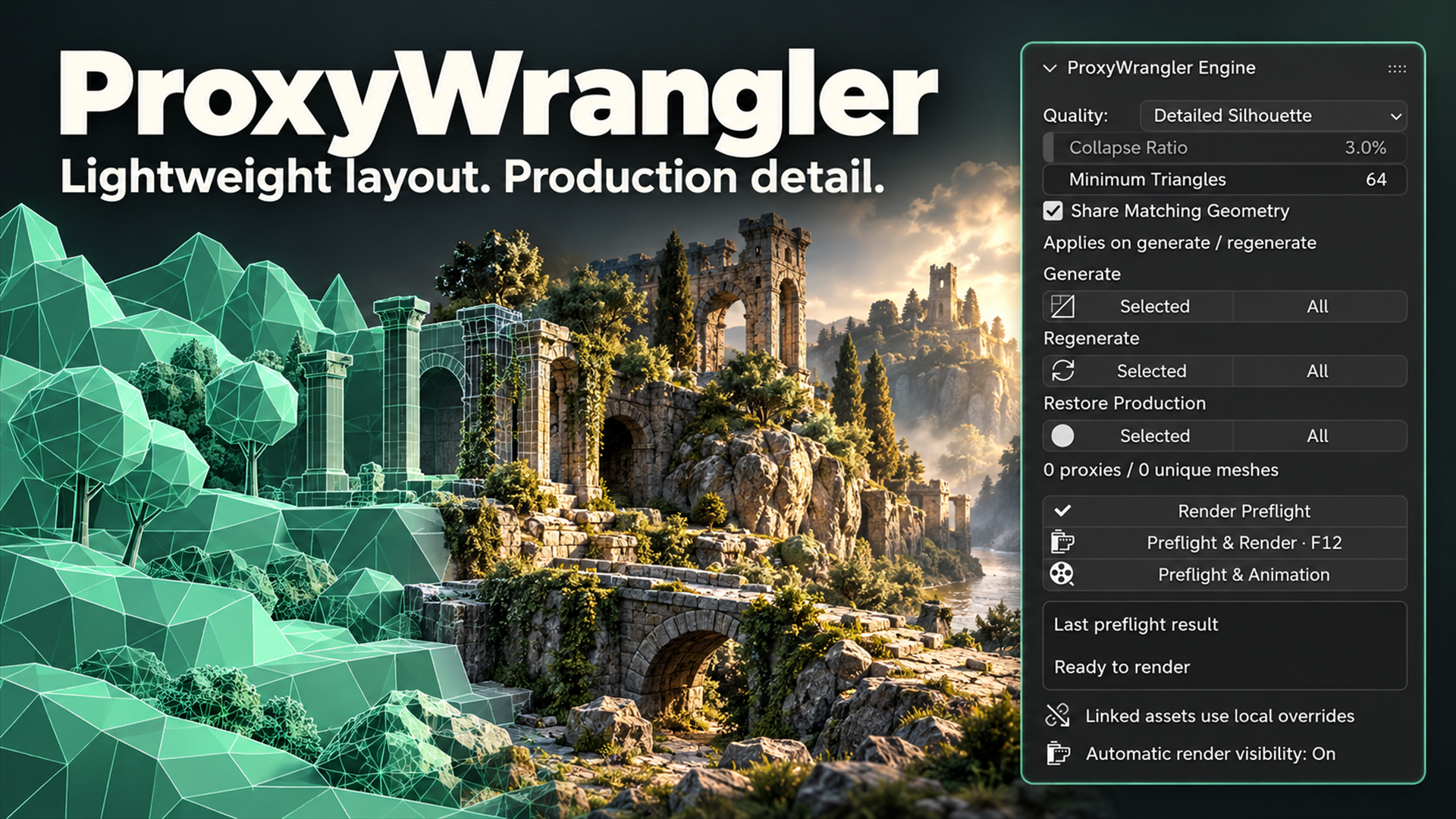
The ProxyWrangler Engine panel lives in the 3D Viewport sidebar. Selected and All controls cover generation, regeneration and production restoration. Matching evaluated geometry can share one proxy mesh while each object keeps its own transform and production reference.
Control the detail you need
- Quality
From broad massing to readable contours
Custom Ratio spans 0.1%–100%, with a 3% default. Fast Layout targets 1%, Balanced 3%, and Detailed Silhouette 15%. Adaptive raises the chosen ratio for smaller assets.
- Protection
Small assets stay recognizable
Preset and adaptive modes apply a minimum triangle floor, defaulting to 64. Final counts depend on topology, and viewport performance depends on more than polygon count.
- Libraries
Local proxies for linked assets
Linked meshes, collection hierarchies, nested mesh instances and library overrides are supported. Proxy geometry stays local; editable overrides may be created for production placement.
Temporary rendering, committed restoration
Checked still and animation renders are available from the panel, the ProxyWrangler Render menu entries, F12 and Ctrl+F12. Preflight validates the current frame, then the render handlers temporarily show production geometry at the proxy placements.
Restore Production commits those placements and removes successfully restored proxies. Failed restorations retain their proxy and report the reason. Proxy vertex edits and added modifiers do not transfer to production geometry.
Release and compatibility
Version 1.1.1 declares Blender 4.2 and later. The supplied release notes report runtime validation in Blender 5.1.2; Blender 4.2 has not been runtime-tested. The extension uses Blender-provided modules and requests file access to check linked-library availability during preflight. Code is licensed GPL-3.0-or-later.